Get Started with FitPulse Pro
Welcome to FitPulse Pro! Follow these simple steps to start your fitness journey with our smart fitness tracker.

Step 1: Unbox Your Device
Carefully unbox your FitPulse Pro device and ensure all components are included.

Step 2: Charge Your Device
Connect your device to the charger and fully charge it before first use.
Step 3: Download the App
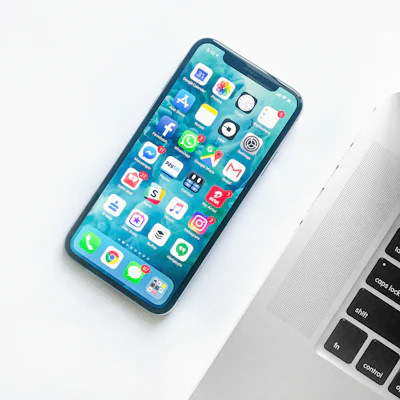
Download the FitPulse Pro app from the App Store or Google Play Store.

Step 4: Pair Your Device
Open the app and follow the on-screen instructions to pair your device via Bluetooth.

Step 5: Customize Your Settings
Set your fitness goals, notification preferences, and other settings in the app.

Step 6: Start Tracking
Wear your FitPulse Pro and start tracking your workouts, heart rate, sleep, and more.